Send it in.
From your printer, your phone, your inbox or your desktop. Documents can start anywhere.
SCAN_00482.pdf
PDF / RECEIPT / SCAN
PDF / RECEIPT / SCAN
DOCUMENTS, PUT IN THEIR PLACE.
Every scan. Every PDF. Every stray attachment.
Understood, named, tagged and filed.
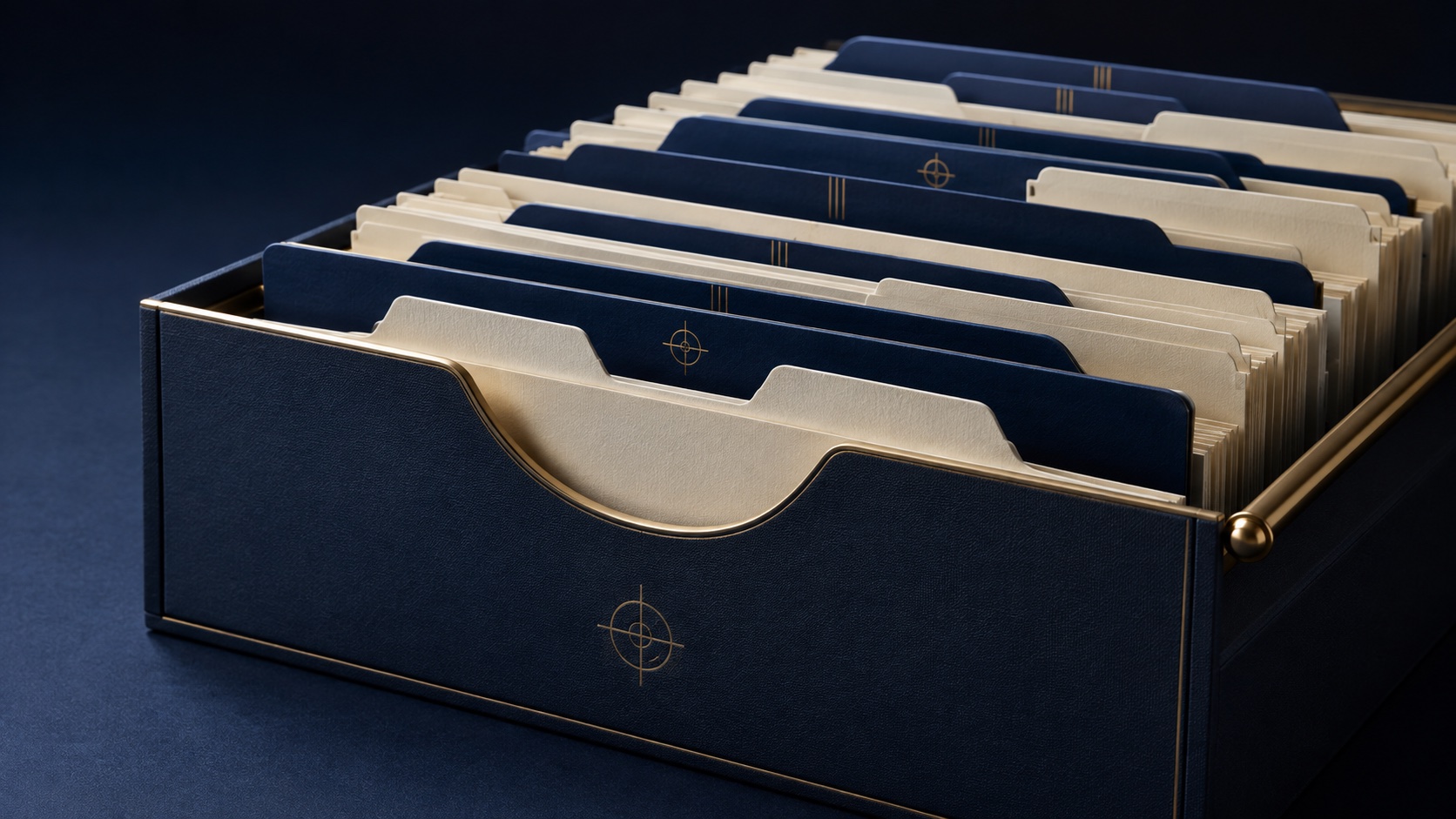
THE DESKTOP IS NOT A FILING CABINET.
From your printer, your phone, your inbox or your desktop. Documents can start anywhere.
indecs reads the content, finds its meaning and adds a name and tags you can use.
Route it to the folder where it belongs. Less sorting now. Less searching later.
Yes, screenshots too. Names and tags based on what they show.
Part of one useful document system.
SMALL COST. ONE LESS CHORE.
Free credit to get started. Light use can be free.
Inexpensive processing when the paperwork piles up.
Scans, PDFs, screenshots, email attachments, receipts, forms and other document-like files.
Yes. Documents can come from your phone, printer, email inbox or desktop.
Yes. indecs can name and tag screenshots based on what they show, alongside your other documents.
No. indecs is convenient document management: scanning, understanding, naming, tagging, routing and filing.
There is free credit to get started. Light use can be free, with heavier processing at around a penny per page.